The Start Assistant
The Start Assistant (also called the DataGerry Assistant) builds a starter data model on a new, empty installation: you pick your industry and the data categories you need, and it creates the matching types and categories. Afterwards you adapt them like any type you created yourself.
Note
Looking for the AI Assistant? It drafts content for PDF templates and is part of the Document Generator — see Draft content with the AI Assistant.
When the assistant is available
The assistant opens automatically after login when all of these are true:
you hold
base.framework.type.addandbase.framework.category.add,the database contains no categories, types or objects,
the assistant hasn’t run on this installation before.
It runs once per installation. A run is all or nothing: if it fails part-way, the created types and categories are removed again and the assistant can be run once more.
While your data model is still empty you can reopen it from Toolbox → Assistant in the top-right menu. Once data exists, that entry shows You’re already set up instead.
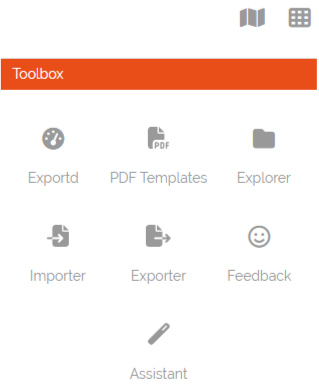
The Assistant entry in the Toolbox.
To build your model from scratch instead, click Cancel on the welcome dialog.
Run the assistant
On Welcome to DATAGERRY, click Start Assistant.
Choose your industry — select one or more of Telecommunications, Helpdesk, Service provider and Healthcare, then click Continue.
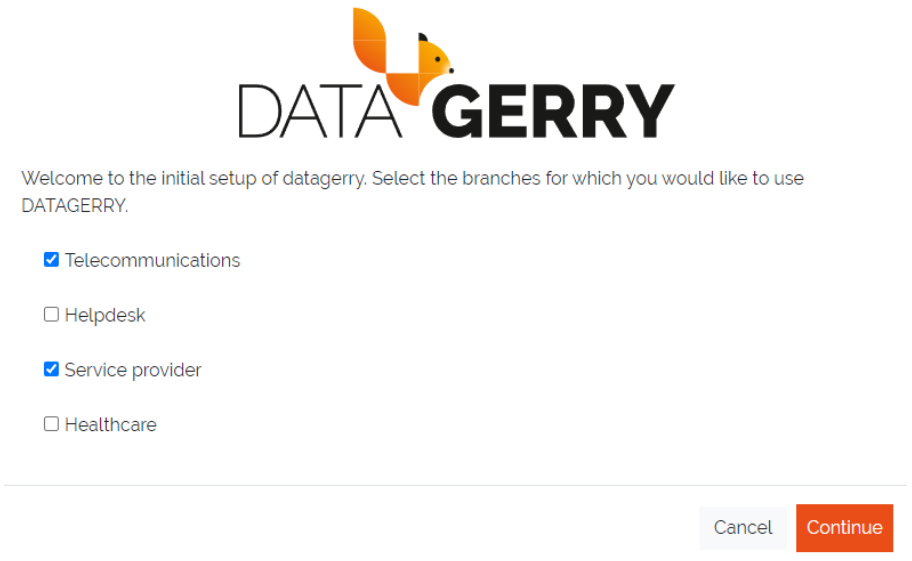
Choosing the industry.
Select data categories — the categories recommended for your industries are pre-selected. Each category adds a set of configuration item types. Switch individual categories on or off.
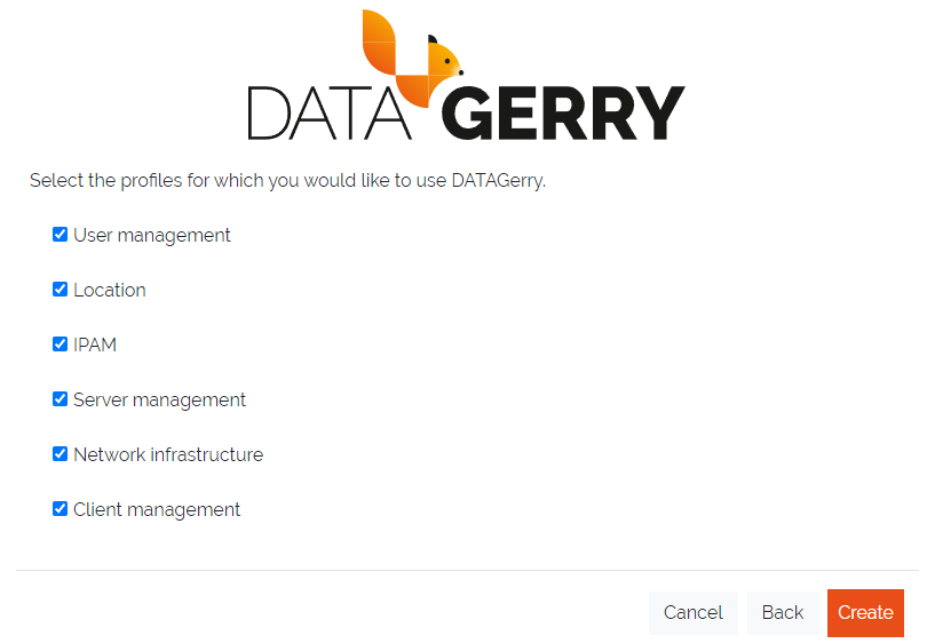
Selecting data categories.
Click Create. DataGerry creates the types of all selected categories and opens the type list (Framework → Types). In the sidebar the new types appear under categories.
Data categories
Category |
Recommended for |
|---|---|
User management |
All industries |
Location |
All industries |
Rack View (3.3) |
All industries |
Client management |
Helpdesk, Healthcare |
IPAM |
Telecommunications, Helpdesk |
Server management |
Telecommunications, Helpdesk |
Network infrastructure |
Telecommunications, Helpdesk |
Rack View and IPAM carry a New feature tag (3.3). They are offered only when the IPAM license feature is available — see IPAM and Racks.
After the assistant
In the type list, open any generated type with the edit icon in the Actions column to see how it is built, and change it to fit your needs. Add your own types with Add.
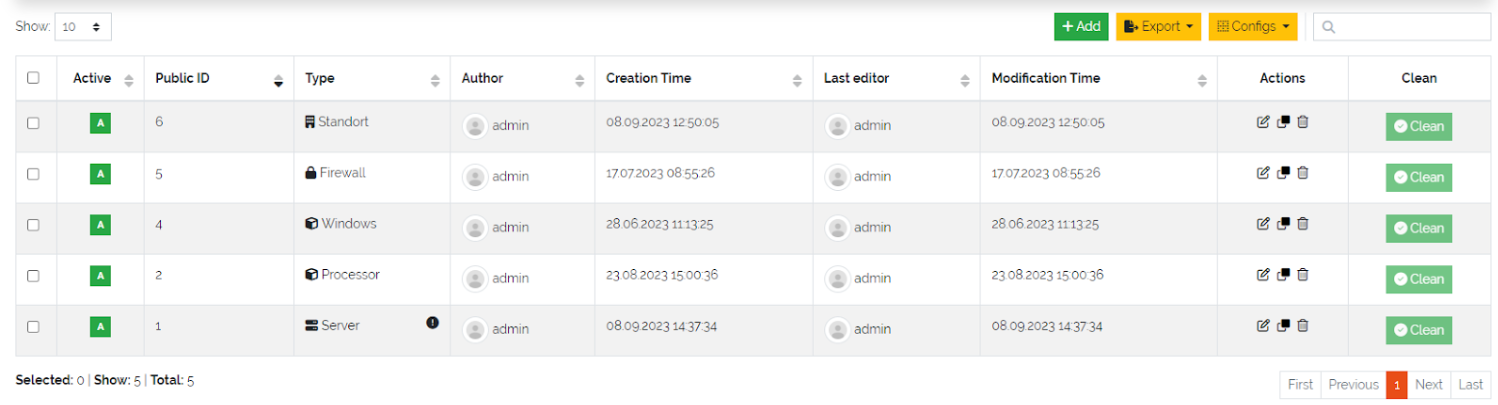
The type list after the assistant has run.
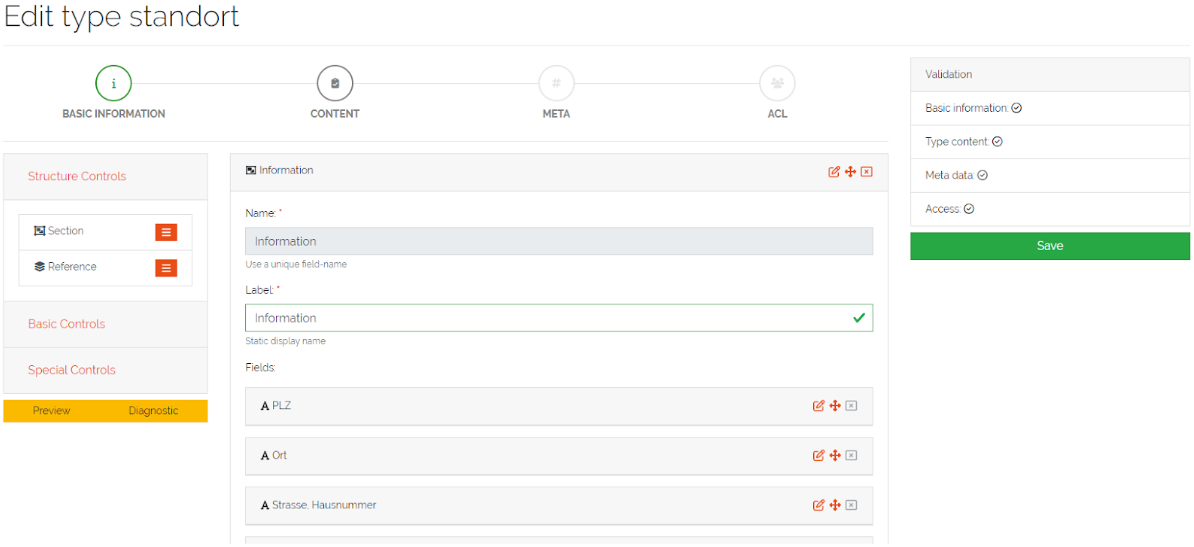
Editing a generated type.