Multi data sections
A multi data section (MDS) is a section that stores a table of entries instead of one value per field — the network interfaces of a server, the licences on a contract, the disks in a storage array. This page shows how to add one to a type and fill it on an object. It assumes you know how to build a type (Build types and categories).
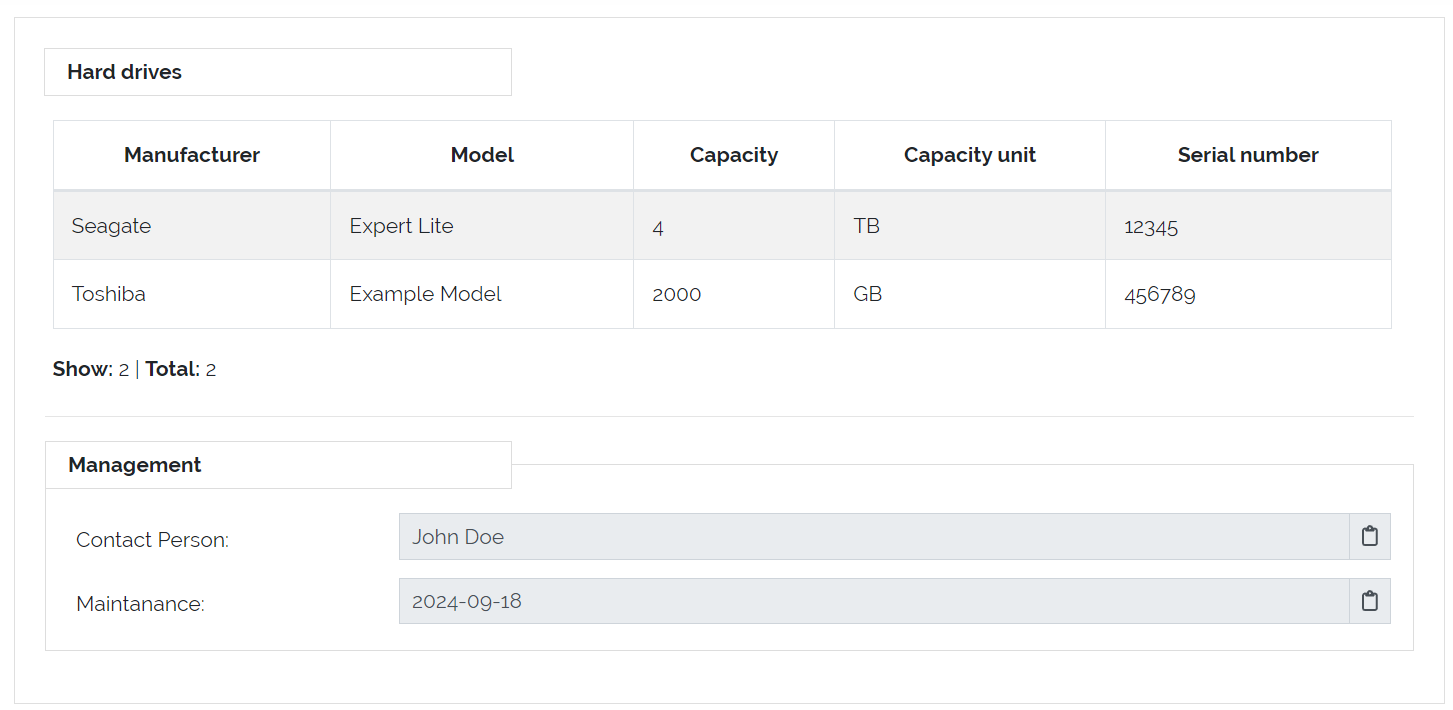
A multi data section (a table of entries) next to a normal section.
Add a multi data section to a type
Open Framework → Types and edit a type, or create one.
On the Content step, drag Multi Data Section from Structure Controls onto the canvas. A type can have several.
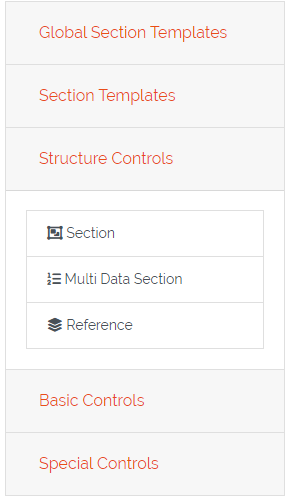
The Multi Data Section control.
Drag fields from Basic Controls and Special Controls into it. Every control except Location works here.
For each field, decide whether it is a column of the table. Tick Hide this field as column in object view/edit mode to keep it out of the table; it still appears in the entry form.
Save the type.
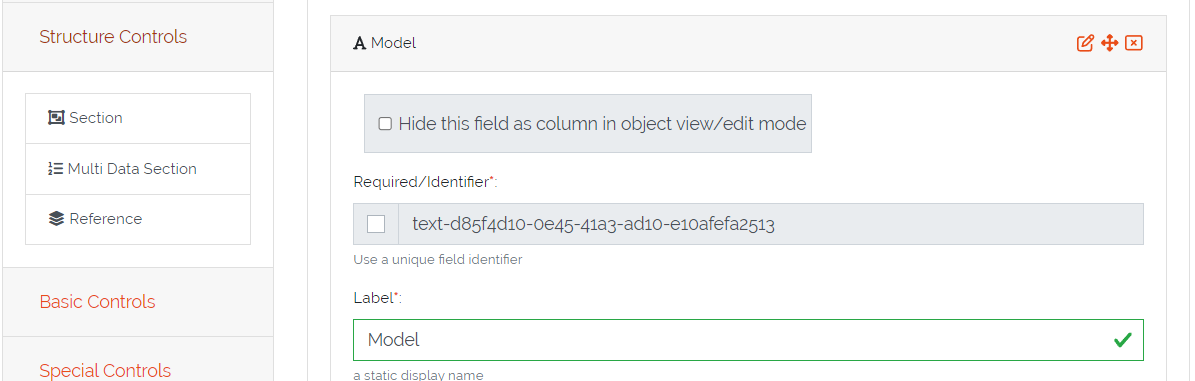
Fields in a multi data section.
A section template can also be a multi data section — see Section templates.
Fill it on an object
When you create or edit an object, the MDS appears as a table whose columns are its visible fields, plus Actions.
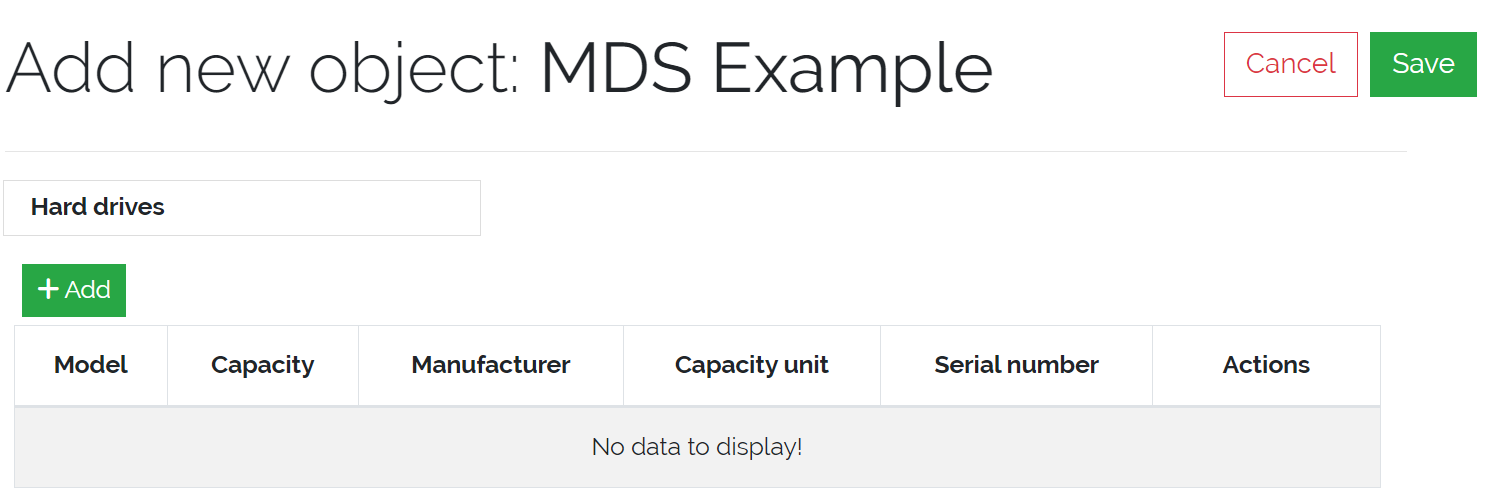
An empty multi data section on a new object.
Click Add above the table.
Fill in the form — it shows all fields, including the hidden ones — and confirm with Add.
Repeat for further entries.
Save the object. Entries are only stored when the object is saved.
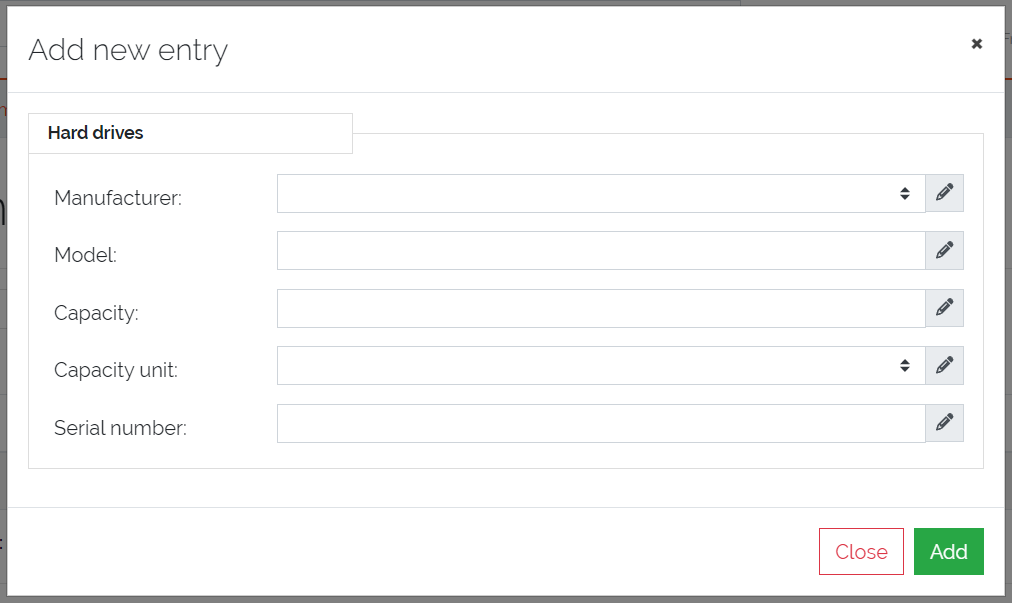
Adding an entry.
The table pages after ten entries. Each entry has three actions:
Preview Row — shows the entry’s values;
Edit Row — opens the entry in the form;
Delete Row — deletes the entry after a confirmation.
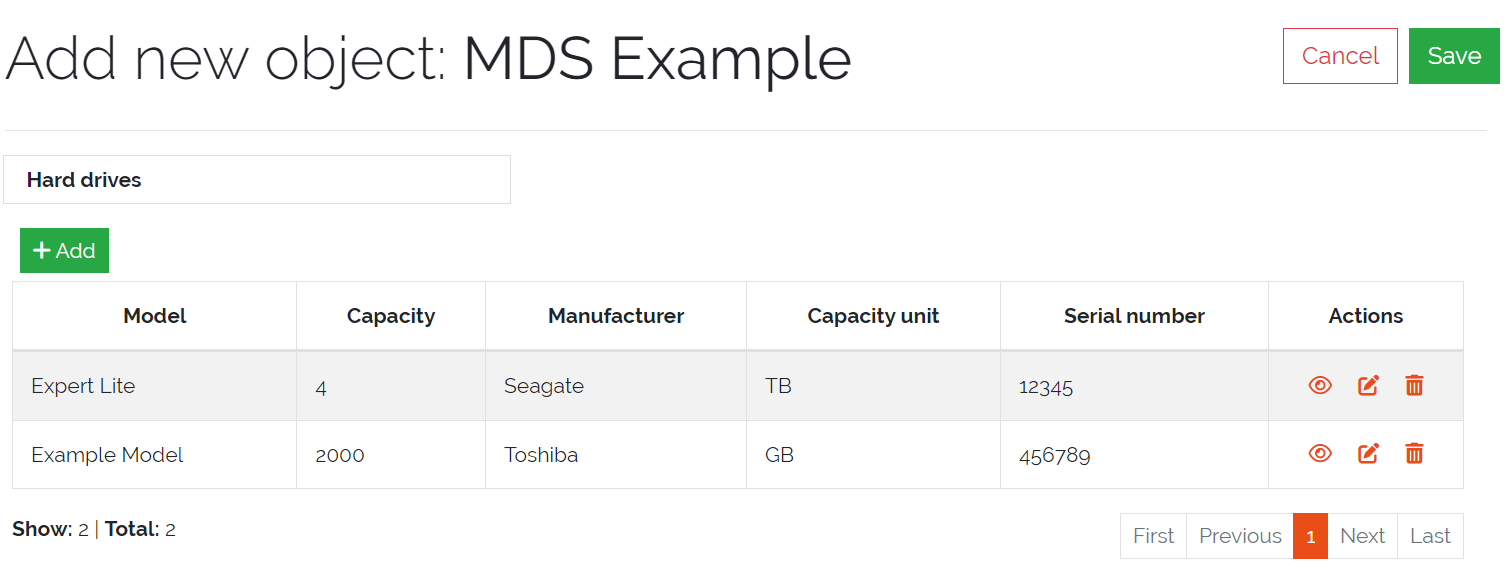
A multi data section with several entries.
Limitations
Fields inside an MDS cannot be summary fields of the type.
A bulk change does not include multi data sections; edit them per object.
In the Document Generator each MDS field arrives as one value: the values of all entries joined by commas.
Since 3.3, objects with an MDS can be exported as CSV, XLSX, XML and JSON, and imported from CSV and JSON (3.3). Earlier versions supported JSON only. See Export data and Import data.