Object groups, persons and groups
Licensed feature — on self-hosted installations these need a license that includes ISMS; in the cloud they are part of the subscription. See Cloud or self-hosted.
Object groups, persons and person groups describe who and what outside the type system. They are currently used by ISMS — risk assessments, responsibilities and reports refer to them (see How the ISMS is organised). Other parts of DataGerry do not use them yet.
All three live in the Framework menu. Without the ISMS feature the menu entries carry a Pro badge.
Object groups
An object group collects configuration items that belong together — the servers, load balancers and databases of one service — so that you can treat them as one unit, for example in a risk assessment. There are two kinds:
Static — you pick the objects one by one. Full manual control.
Dynamic — you pick types; every object of those types belongs to the group, including objects created later. Good for environments that change often.
Open Framework → Object Groups. The table lists all groups; the icons in each row view, edit or delete a group. The footer of a group shows its Risk Assessments.

The list of object groups.
Create an object group
Click Add and fill in the form:
Field |
Meaning |
|---|---|
Group Name |
The name of the group. |
Group Type |
Static or Dynamic. |
Categories |
Tags to organise and filter groups — by business area, service level, environment and so on. Several are allowed. |
Assigned Objects / Assigned Types |
The objects of a static group, or the types of a dynamic group. |

Creating an object group.
Manage Categories next to the categories field maintains the list of tags. The tags are shared by all object groups. They are unrelated to the type categories of the sidebar.
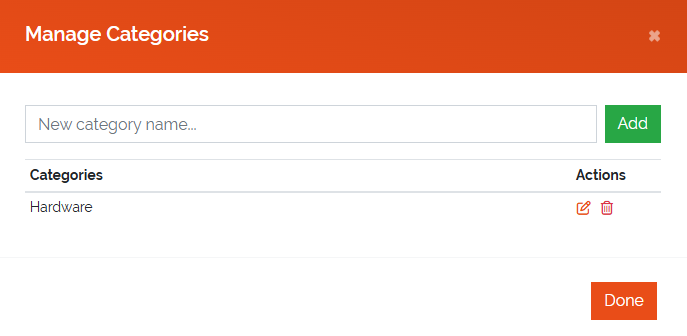
Managing object group categories.
Persons
A person is a real individual relevant to your organisation — an employee, an external contact, a role holder — that ISMS records can name as responsible. A person is not a DataGerry user and cannot log in. For user accounts see Users.
Open Framework → Persons to list, add, edit and delete persons.

The list of persons.
Click Add, fill in the form and click Create Person:
Field |
Meaning |
|---|---|
First Name |
Required. |
Last Name |
Required. |
Display Name |
Read-only. Built as First Name Last Name; this is how the person appears elsewhere. |
Phone Number |
Optional. |
Optional. Must be a valid address. |
|
Groups |
The person groups the person belongs to. The groups’ member lists are updated to match. |
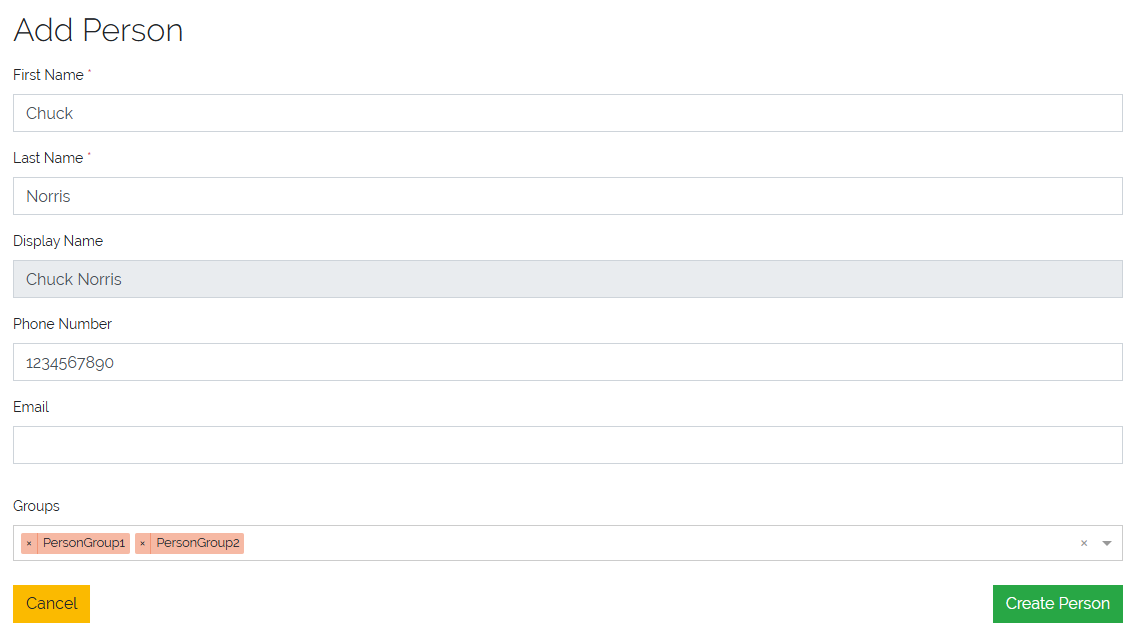
Creating a person.
Person groups
A person group bundles persons — a department, a team, the holders of a role — so ISMS records can name a group instead of individuals.
Open Framework → Person Groups to list, add, edit and delete groups.
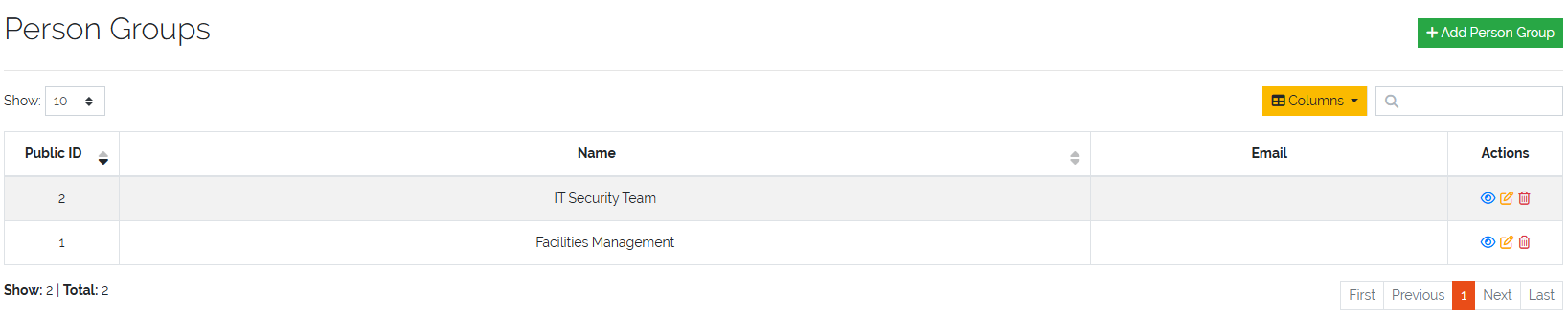
The list of person groups.
Click Add and fill in the form:
Field |
Meaning |
|---|---|
Name |
The name of the group. |
Optional. A shared address for the group. |
|
Group Members |
The persons in the group. Each person’s Groups field is updated to match. |
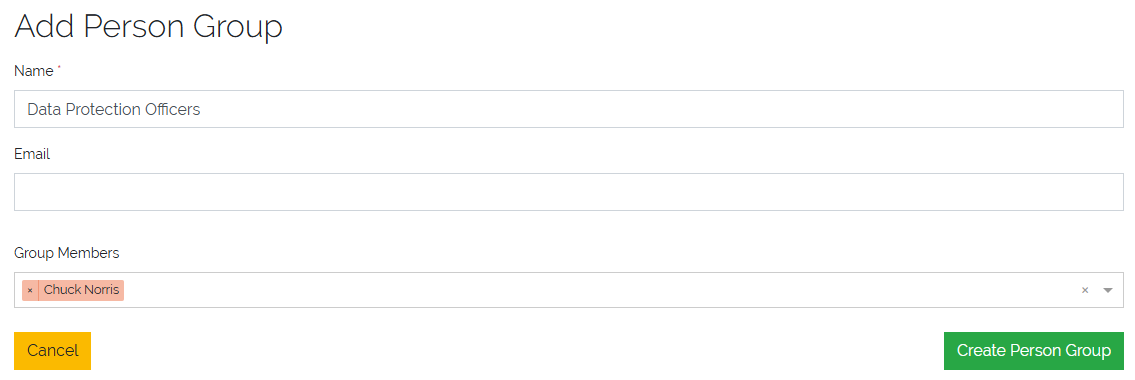
Creating a person group.
Membership is one relationship seen from two sides: whether you add a person to a group in the person form or in the group form, both stay in sync.